Imagine losing your entire crypto portfolio because someone intercepted a text message on their phone. It sounds like a movie plot, but it happens every day. Two-factor authentication (2FA) is the single most effective way to protect your digital assets, yet most people set it up incorrectly. You might think turning on 2FA is enough, but the method you choose determines whether you’re actually safe or just feeling safe.
In the world of blockchain and cryptocurrency, where transactions are irreversible, the stakes are higher than with a regular email account. Today, we break down the three main ways to secure your accounts: SMS codes, authenticator apps, and hardware keys. We’ll look at how they work, where they fail, and which one you should use for your wallet in 2026.
Quick Summary
- SMS 2FA is convenient but vulnerable to SIM swapping and interception; avoid it for high-value crypto accounts.
- Authenticator Apps (like Google Authenticator or Authy) generate offline codes and offer strong protection against phishing.
- Hardware Keys (like YubiKey) provide the highest security level by requiring physical possession, making them immune to remote hacking.
- For blockchain wallets, always prioritize hardware keys or TOTP apps over SMS.
The Problem with SMS Verification
Let’s start with the most common method: SMS. When you log in, you get a text with a six-digit code. It’s easy, right? No extra apps, no new gadgets. But here’s the catch: SMS travels through the public cellular network. That means anyone who can intercept that signal can see your code.
SIM Swapping is the biggest threat here. Attackers call your mobile carrier, pretend to be you, and convince the support agent to transfer your phone number to a SIM card they control. Once they have your number, they receive all your verification texts. In 2025 alone, reports of SIM swap attacks targeting crypto holders surged as hackers realized this was an easy entry point into exchange accounts.Even without SIM swapping, SS7 vulnerabilities in the telecom infrastructure allow attackers to redirect messages. If you store Bitcoin on an exchange that only offers SMS 2FA, you are relying on the security of a telephone company, not cryptographic standards. For everyday social media, maybe that’s acceptable. For your life savings in Ethereum? It’s a gamble.
Authenticator Apps: The Smart Middle Ground
If SMS is risky, what’s the next step? Most experts recommend moving to an Authenticator App that uses Time-based One-Time Passwords (TOTP). Apps like Google Authenticator, Microsoft Authenticator, or Authy generate codes locally on your device. They don’t need an internet connection to create these codes, which makes them immune to network interception.
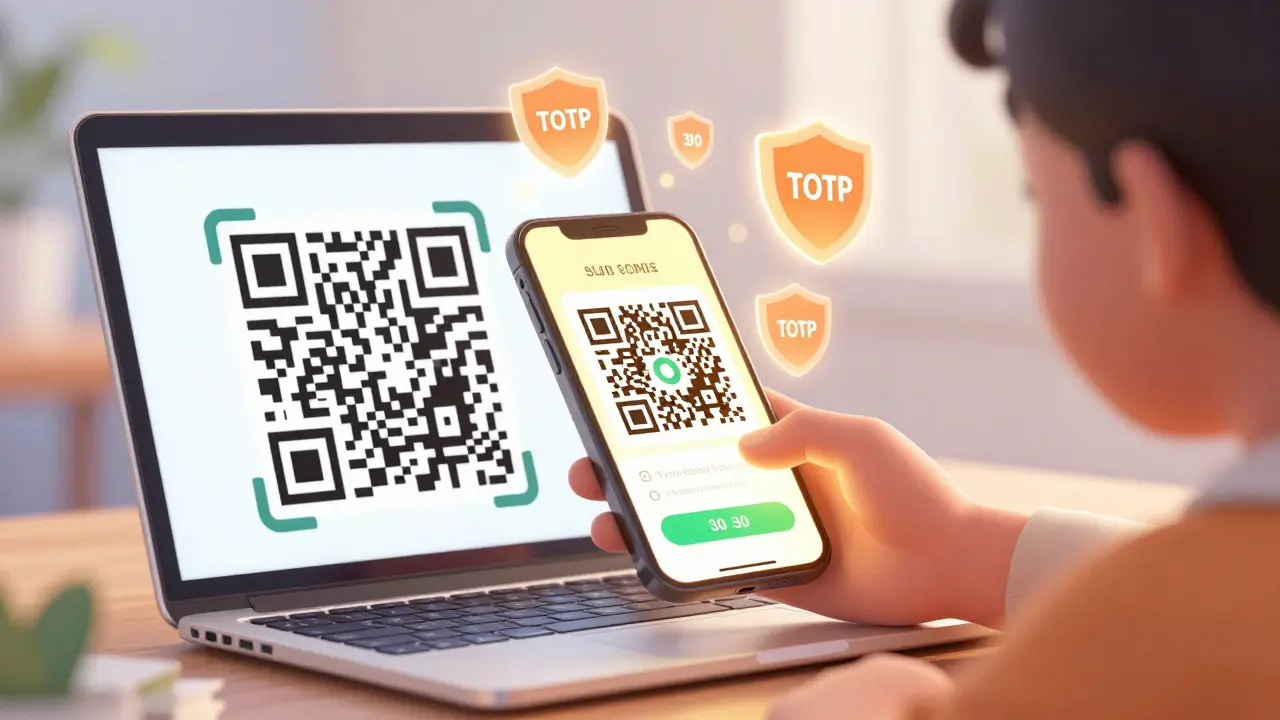
Here is how it works: When you set up the app, you scan a QR code from the service you want to secure. This shares a secret key between your phone and the server. Every 30 seconds, both your phone and the server calculate a new code based on that key and the current time. Because the code changes constantly and never leaves your device until you type it in, hackers can’t steal it remotely.
- Google Authenticator: Simple, widely supported, but lacks cloud backup (if you lose your phone, you lose access unless you saved recovery codes).
- Authy: Offers encrypted cloud backups, so you can restore your codes on a new device easily.
- MiCoder / Raivo OTP: Open-source options for users who want transparency and control.
Push notification apps like Duo Mobile take this further. Instead of typing a code, you get a prompt on your phone asking if it’s really you logging in. You tap “Approve.” This is faster and reduces typos, but it introduces a new risk: push bombing. Hackers can spam you with hundreds of approval requests, hoping you accidentally hit “Yes” out of confusion. Always check the location and device details in the prompt before approving.
Hardware Keys: The Gold Standard
If you want maximum security, especially for cold storage wallets or exchange admin accounts, you need a Hardware Security Key that supports FIDO2/U2F protocols. Brands like YubiKey, Google Titan, and SoloKeys make small USB or NFC devices that act as a physical second factor.
Unlike SMS or apps, hardware keys use public-key cryptography. When you try to log in, the website sends a challenge to the key. The key signs this challenge with a private key stored securely inside its chip. The signature proves you possess the physical device without ever exposing the private key. This makes it virtually impossible to phish. Even if you enter your password on a fake login page, the hardware key will refuse to sign the request because the domain doesn’t match the original trusted site.
| Feature | SMS | Authenticator App | Hardware Key |
|---|---|---|---|
| Security Level | Low | High | Very High |
| Phishing Resistance | No | Partial (with caution) | Yes (Origin Binding) |
| Cost | Free (usually) | Free | $25-$80 per key |
| Convenience | High | Medium | Medium (requires carrying device) |
| Best For | Low-risk accounts | Most crypto exchanges | Cold wallets, admin access |
The downside? Cost and loss. If you lose your hardware key, regaining access can be a nightmare. Some services require you to visit customer support with ID. That’s why pros keep two keys: one for daily use and one stored in a safe deposit box as a backup.
Choosing the Right Method for Your Blockchain Assets
Not all accounts need the same level of security. Here’s a practical strategy for managing your digital identity in 2026:
- Cold Storage Wallets (Ledger, Trezor): These already have built-in hardware security. Ensure your PIN is strong and never share your seed phrase.
- Major Exchanges (Coinbase, Binance): Use FIDO2 hardware keys if supported. If not, use an authenticator app with cloud backup (like Authy). Never use SMS.
- Email Accounts: Your email is the master key to resetting passwords elsewhere. Protect it with a hardware key or at least an authenticator app.
- Social Media & Forums: SMS is okay here if nothing else works, but migrate to an app whenever possible.
Remember, 2FA is not a silver bullet. It protects against credential theft, but it won’t stop malware on your computer or social engineering attacks where you voluntarily give away your code. Always verify URLs, enable withdrawal whitelists on exchanges, and keep your software updated.
Common Mistakes to Avoid
Even when using strong 2FA, users make critical errors:
- Saving Recovery Codes Online: Never store your 2FA backup codes in a password manager or cloud note. Print them and store them physically.
- Using the Same App for Everything: If your authenticator app gets compromised, all your accounts are at risk. Consider using separate devices for high-value assets.
- Ignoring Push Notifications: Approving a login request without checking the location is like handing your house keys to a stranger. Always review the context.
As blockchain technology evolves, so do the threats. Zero-trust architectures and passkeys are becoming more common. Stay informed, test your recovery process annually, and treat your 2FA setup as seriously as you treat your private keys.
Is SMS 2FA completely useless?
No, it’s better than nothing. However, for any account holding financial value, especially cryptocurrency, SMS is too vulnerable to SIM swapping and interception. Use it only for low-risk accounts where losing access wouldn’t cause significant harm.
What happens if I lose my hardware key?
You must rely on your backup methods. Most services require you to submit proof of identity to disable 2FA. This is why keeping a second hardware key in a secure location is crucial. Without backups, you may permanently lose access to your accounts.
Can authenticator apps be hacked?
If your phone is stolen and unlocked, yes. Malware on your device could also steal codes. To mitigate this, use a strong screen lock, biometric authentication for the app itself, and consider using a dedicated device for high-security codes.
Which hardware key is best for crypto?
YubiKey 5 Series is widely regarded as the industry standard due to its broad compatibility with FIDO2, U2F, and TOTP. SoloKeys and Nitrokey are excellent open-source alternatives. Ensure the key supports WebAuthn/FIDO2 for maximum phishing resistance.
Do I need 2FA for my non-custodial wallet?
Non-custodial wallets (like MetaMask) don’t have traditional logins, so 2FA isn’t applicable in the same way. However, the websites or dApps you interact with may require 2FA. More importantly, protect the device and browser where your wallet extension lives with strong OS-level security.
Bill Gunn
June 1, 2026 AT 12:17Finally someone said it! 🚀 SMS is basically leaving your front door wide open with a note saying 'steal my stuff'. I switched to YubiKeys last year and haven't looked back. The peace of mind is worth every penny, especially when you're dealing with irreversible transactions. Don't sleep on this folks! 🔐✨
kamal ifrani
June 2, 2026 AT 23:37Oh please, spare me the tech-bro panic. Most people aren't holding millions in crypto, so they don't need military-grade security for their Reddit account. You're creating fear just to sell hardware keys. It's classic FUD. If you can't manage a text message code, you probably shouldn't be touching blockchain anyway. Grow up.
Dana Rapoport
June 4, 2026 AT 20:09I appreciate the detailed breakdown here. It’s important we all take responsibility for our digital safety, regardless of how much we hold. Security isn’t about wealth; it’s about integrity. I’ve started using Authy for most things because the cloud backup gives me a sense of calm. We should support each other in learning these safer habits rather than judging those who are still transitioning from SMS. Let’s lift each other up. 🌱
Eric Grosso
June 5, 2026 AT 23:42honestly i still use sms cause its easy lol but now im scared af after reading this. sim swapping sounds like something outta a movie. do i really need to buy a yubikey or is google auth enough? im confused man.
Edith Mair
June 7, 2026 AT 05:40Stop making excuses. If you care about your data, you secure it. SMS is dead. End of story. The article clearly states that SS7 vulnerabilities allow interception. Ignoring this is negligence. Get a hardware key or accept that you’re playing Russian roulette with your identity. No one is forcing you, but don’t come crying when you get drained.
Sam Dashti
June 9, 2026 AT 01:57Hey Eric (2525), no worries at all! 😊 It’s totally normal to feel overwhelmed by all these options. Think of it like locking your car. SMS is like putting a sticker on the window that says 'free car'. Authenticator apps are like a standard lock. Hardware keys are like a GPS tracker + alarm system. Start with an authenticator app-it’s free and way better than SMS. You can upgrade later! 🌟
Debbie Lewis
June 10, 2026 AT 17:24I just stick to Google Authenticator. It works fine for me. I don’t have enough money to lose to worry about YubiKeys. Seems like overkill for regular folks. Just keep your phone safe I guess.
lorna erni
June 12, 2026 AT 10:18That’s exactly why people get hacked! Laziness kills portfolios. You think hackers only go after whales? They bot-sweep weak accounts too. Stop being complacent. Buy the key. Protect your assets. It’s not rocket science, it’s basic hygiene. Wake up!
Rosie Morris
June 13, 2026 AT 08:08omg lorna u dont hav to yell tho 😅 but yeah i agree its scary. i lost access to my old instagram once because i changed phones and forgot my recovery codes. never again! printing them out seems like such a pain but i guess its worth it?
stalin brian
June 14, 2026 AT 08:59hey rosie, yeah printing is annoying but trust me, losing access is worse. i keep mine in a fireproof box with my passport. its a small hassle for huge peace of mind. also check if ur email provider supports passkeys, thats the future bro. stay safe out there! 🙏
saradee dee
June 15, 2026 AT 21:32This is such a dramatic situation! 😱 I mean, losing everything is terrible. But honestly, I find hardware keys so bulky. Who wants to carry another USB stick everywhere? I prefer the simplicity of apps. Maybe technology will make it invisible soon? Until then, I’ll just hope for the best. 🤷♀️
Joe Clements
June 15, 2026 AT 22:10Saradee, I totally get where you’re coming from. Carrying extra gadgets is a hassle. But think of it as carrying your house keys. You wouldn’t leave them under the mat, right? Many modern YubiKeys are tiny NFC tags that stick to your credit card holder. It’s less intrusive than you might think. Plus, knowing your crypto is safe feels really good. 💙
Hadleigh Edwards
June 16, 2026 AT 09:48I must say that while the convenience of SMS is undeniably appealing to the masses who are often busy with myriad daily responsibilities and may not have the time or inclination to delve into the intricacies of cryptographic security protocols, it is imperative that we consider the long-term implications of our choices in the digital realm, for as history has shown us time and again, short-term comfort often leads to long-term regret, and thus we must strive to educate ourselves and others on the importance of robust authentication methods such as hardware keys which, although initially perceived as cumbersome, ultimately provide a level of security that is unparalleled and essential for the preservation of our digital identities and financial assets in an increasingly interconnected world.
Craig Swanson
June 17, 2026 AT 06:04Hadleigh, you made a valid point but you really need to break that sentence down! 😂 Seriously though, the author is right. I coach teams on cybersecurity and the #1 failure point is always lazy 2FA setup. People treat their seed phrases like passwords. It’s dangerous. We need to normalize hardware keys. It’s not optional anymore if you want to survive in Web3. Step up your game, everyone.
Christina Pearce
June 18, 2026 AT 19:34I’m curious about the push notification risk mentioned. Does that mean Duo Mobile is actually worse than typing codes? I use it for work and it’s super fast. Would love to hear more thoughts on whether the speed is worth the potential 'push bombing' threat. Thanks for sharing this info! 👇