You probably feel safe because you turned on that second layer of security on your crypto exchange or email. You think, "Even if they get my password, they can't get in without the code." That feeling is exactly what hackers count on. The truth is that 2FA bypass attacks have evolved from simple tricks into high-tech automated systems that can strip your accounts bare in seconds, often without you noticing a thing until the money is gone.
The real problem isn't that the math behind encryption is breaking; it's that attackers are simply walking around the lock. Instead of trying to crack your password, they focus on stealing your active session or tricking you into handing over the keys. Whether you are managing a hardware wallet or a corporate account, understanding how these bypasses work is the only way to actually stay secure.
| Attack Type | Primary Target | Technical Complexity | User Risk Level |
|---|---|---|---|
| Social Engineering | Human Psychology | Low | Very High |
| AiTM / Reverse Proxy | Authentication Cookies | Medium | High |
| MFA Fatigue | User Patience/Confusion | Low | Medium |
| Session Hijacking | Browser Memory/Cookies | High | High |
| Endpoint Attacks | Device Hardware/OS | Very High | Medium |
The Psychology of the "Easy" Bypass
Some of the most effective attacks don't use any code at all. Social Engineering is the art of manipulating people into giving up confidential information by posing as a trusted figure. You might get a call from someone claiming to be from Apple or Google support, sounding professional and urgent. They aren't trying to hack your computer; they are hacking your brain. They'll convince you that there's a "security breach" and that you need to read back the 2FA code sent to your phone to "verify your identity." Once you say those six digits, they are in.
Then there is the "Password Reset Loophole." It sounds crazy, but some websites are poorly designed. They ask for 2FA when you log in, but if you click "Forgot Password," they let you reset the password via email and then drop you straight into the account without asking for the second factor. Attackers love this because it renders your 2FA completely useless.
Automated Phishing and the Reverse Proxy Trap
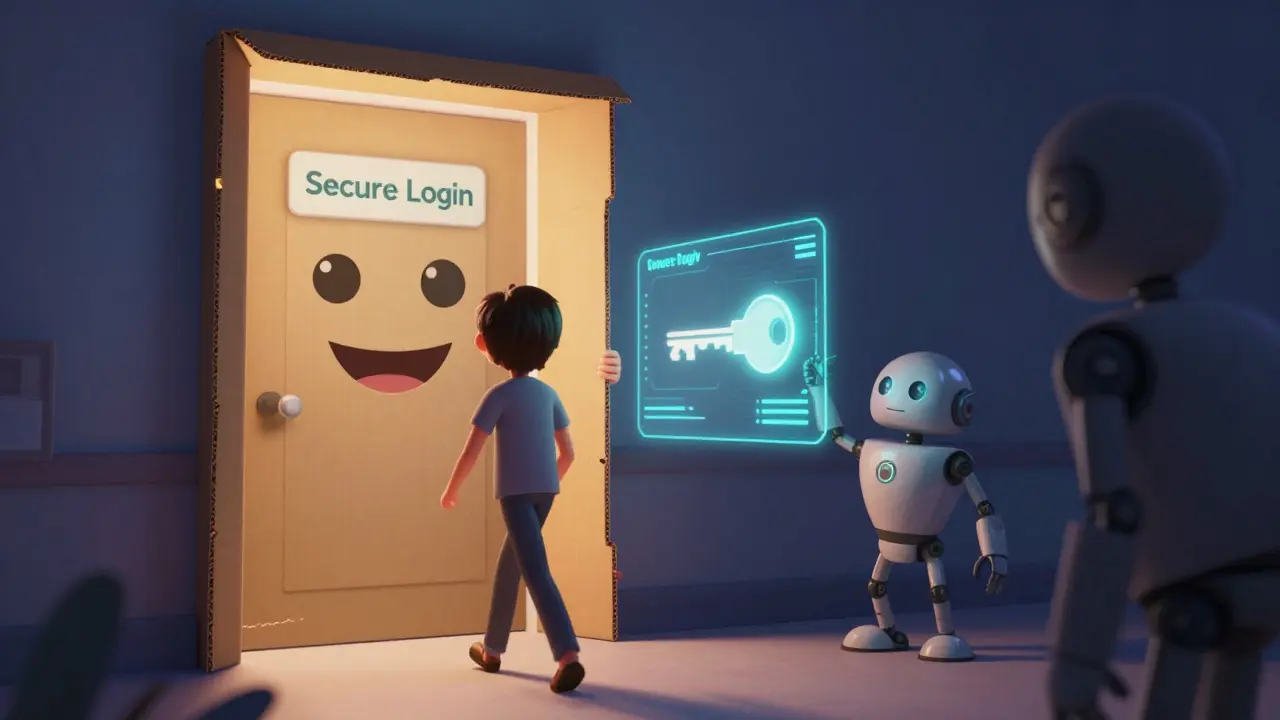
Things get scarier when we talk about Adversary-in-the-Middle (AiTM) attacks. An attack where a malicious actor intercepts the communication between a user and a legitimate server in real-time. Imagine you click a link in a fake email. It takes you to a page that looks identical to your Binance or Coinbase login. But you aren't on their site; you're on a Reverse Proxy, which is a server that sits between you and the real website.
As you type your username and password, the proxy forwards them to the real site. The real site then sends a 2FA code to your phone. You enter that code into the fake page, and the proxy forwards it to the real site. The real site says "Success!" and sends back a session cookie. The attacker grabs that cookie and now they can impersonate you perfectly without ever needing your password again. Tools like NecroBrowser are making this process automated, meaning someone with zero coding skills can now launch these professional-grade attacks.
Fighting MFA Fatigue and Session Theft
Have you ever had your phone buzz with a login request you didn't trigger? If you see it happen once, you ignore it. If it happens 50 times in ten minutes, you might get annoyed or confused. This is called MFA Fatigue, also known as prompt bombing. A technique where attackers spam a user's device with push notifications until the user accidentally or intentionally approves one. It's a war of attrition. The attacker has your password; they just need you to hit "Allow" once just to make the noise stop.
On the more technical side, we have Session Hijacking. The exploitation of a valid computer session token to gain unauthorized access to a web service. When you check a box that says "Remember this device," the website stores a token in your browser. If a hacker uses malware to steal that specific file from your hard drive, they can import it into their own browser. To the website, the hacker *is* you, and since the session is already authenticated, the 2FA check is skipped entirely.
Deep Technical Attacks: Endpoints and Memory
For high-value targets, hackers go straight for the hardware. This is where we see Endpoint Attacks. Cyberattacks that target the devices (endpoints) connecting to a network, such as laptops, smartphones, or IoT devices. Using sophisticated tools like Cobalt Strike, attackers can reach into your device's memory and pull out session tokens after you've already logged in.
Even "passwordless" systems aren't invincible. Tools like Okta Terrify have shown that if an attacker compromises the endpoint device, they can proxy authentication requests through that device. They effectively use your own computer as a gateway, making the 2FA system believe the request is coming from the legitimate, enrolled hardware.
How to Actually Protect Your Assets
Since most bypasses target human trust or session tokens, the solution isn't just "more 2FA," but *better* 2FA. Here is a practical checklist to harden your security:
- Ditch SMS and App-based Codes: Switch to Hardware Security Keys. Physical devices like YubiKeys that use FIDO2/WebAuthn standards to prevent phishing by requiring a physical touch and verifying the domain name. These are virtually impossible to phish because the key won't authenticate if the URL is slightly wrong.
- Shorten Session Lifetimes: If you run a business, don't let session cookies last for 30 days. Force re-authentication more frequently to limit the window for session hijacking.
- Implement Device Binding: Use security settings that bind your account to a specific hardware ID. If a session token is stolen and moved to a different machine, the system should flag it as suspicious.
- Zero-Trust Architecture: Move away from the "one-and-done" login. A Zero Trust model continuously verifies the user's identity, location, and device health throughout the entire session.
- The "Pause and Verify" Rule: Never ever share a 2FA code over the phone. No legitimate company-not Google, not your bank, not a crypto exchange-will ever ask you for a 2FA code to "verify" your account. If they ask, they are the attacker.
Can a hacker bypass 2FA if I use an Authenticator App?
Yes. While apps like Google Authenticator are better than SMS, they can still be bypassed via AiTM (Adversary-in-the-Middle) attacks. The attacker creates a fake login page that asks for your app code in real-time and immediately forwards it to the real site to gain access.
What is the safest form of 2FA currently available?
Hardware security keys (like YubiKey) using the FIDO2/WebAuthn standard are the gold standard. Because they use a cryptographic handshake that verifies the website's domain, they prevent the user from accidentally providing credentials to a phishing site.
How do I know if I'm being targeted by an MFA Fatigue attack?
If you receive a sudden flood of push notifications asking you to "Approve" a login that you didn't initiate, you are under an MFA Fatigue attack. Do NOT hit approve. Instead, immediately change your password and report the incident to the service provider.
Is it possible to steal a 2FA session through a browser extension?
Yes. Malicious browser extensions can act as "Man-in-the-Browser" attacks. They can read your cookies and session tokens directly from the browser's memory and send them to a remote server, allowing the hacker to clone your session.
Does passwordless login solve the 2FA bypass problem?
Not entirely. While passwordless systems remove the risk of password theft, they still rely on endpoints. If an attacker gains remote access to your device, they can potentially abuse the existing authentication keys or use tools to proxy the request.
Next Steps for Different Users
For Individual Crypto Users: If you're holding significant assets, stop using SMS 2FA today. Buy two hardware keys (one for backup) and enable them on every exchange and email account you own. If you see a suspicious login prompt, assume you've been breached and move funds to a cold wallet immediately.
For IT Managers: Audit your password reset workflows. If your system allows a user to enter an account after a password reset without triggering a second factor, you have a critical vulnerability. Implement conditional access policies that flag logins from new IP addresses or unusual geolocations.
For Developers: Use the WebAuthn API to integrate phishing-resistant authentication. Avoid storing session tokens in long-lived, insecure cookies and ensure that sensitive actions (like changing a recovery email) always require a fresh, hardware-backed authentication event.
Jimmy vasquez
May 1, 2026 AT 08:05YubiKeys are definitely the way to go for anyone with a bit of skin in the game. I've seen way too many people rely on SMS only to get SIM swapped in a heartbeat. Just a heads up to everyone: make sure you register at least two keys and keep the spare in a safe place!
Noel Mandotah
May 2, 2026 AT 20:53Imagine still using SMS in 2024. Pure comedy.
Nitin Gupta
May 4, 2026 AT 18:08The point about the password reset loophole is very important. It is surprising how many platforms overlook this basic flow, and I agree that auditing these workflows is a priority for any admin.
Tracy McBurney
May 6, 2026 AT 07:12It is honestly embarrassing that most people still think a six-digit code makes them invincible. Your lack of basic security hygiene is why these attacks work. Most of you probably reuse the same password for your email and your exchange, which makes this entire discussion a formality for the already breached.
Michael Repak
May 6, 2026 AT 22:00Great tips!!! I really appreciate the detailed breakdown of the different attack vectors!!! Keep it up!!!
Livvy Cooper
May 7, 2026 AT 05:03Too much tech talk. Just tell us if we are safe or not. Hardware keys sound like a pain to carry around anyway.
debra hoskins
May 9, 2026 AT 01:34The obsession with "gold standards" is just a marketing ploy by security firms to sell a plastic dongle. Use a manager, stop clicking weird links, and maybe the world won't be such a digital dumpster fire.
Pramendra Singh
May 10, 2026 AT 11:49It is heartening to see such a comprehensive guide. I am sure many people will feel more empowered to secure their digital lives after reading this.
Chloe Fletcher
May 12, 2026 AT 09:42Omg yes!! I had that prompt bombing happen last year and it was so scary!! 😱 Definitely get those hardware keys everyone! 🛡️✨
Mitali Rajvanshi
May 12, 2026 AT 12:10This is a very balanced overview of the current landscape.
Ralph Espinosa
May 14, 2026 AT 03:08The session hijacking part is spot on!!! I've seen this happen in corporate environments way more than people realize!!! It's a total nightmare to clean up!!!
Lex Harley
May 15, 2026 AT 16:16Wait so like if i got some sketchy chrome extention it could just snag the cookie and i'm pwned even with mfa? That's wild. The attack surface on the endpoint is just way too big honestly.
Tony Phan
May 17, 2026 AT 06:47This whole thing is a nightmare! I'm just trying to hold some coins and now I'm terrified that some random proxy is stealing my session tokens. I can't even sleep knowing how easy it is for these guys to just bypass everything!
Bevon Findley
May 17, 2026 AT 08:04Simply quaint. 🙂
Kristi Swartz
May 17, 2026 AT 13:02Using hardware keys is the only moral choice for those who claim to value security and it is a shame more people do not follow these rules
Alex Mazonowicz
May 18, 2026 AT 12:48You've got this everyone!!! Just take it one step at a time and get those keys!!!
Veronica Bago
May 19, 2026 AT 08:14Nice guide, really helpful for beginners.
Arti Jain
May 20, 2026 AT 19:15Indian developers are implementing these standards better than anyone else. Period.
Harvey Alford
May 22, 2026 AT 15:34What's your email? I'll check if you're secure.
VIVEK SINGH
May 24, 2026 AT 07:59Oh look, another guide telling us that the walls we built are actually made of cardboard. Truly a revelation in the art of digital futility. I love how we just keep adding layers of complexity while the human brain remains the biggest vulnerability of all. It is a beautiful cycle of failure and hope, isn't it?
Carli Bates
May 25, 2026 AT 23:59imagine thinking a piece of plastic saves you from your own stupidity... cute
Aaron Zeiler
May 27, 2026 AT 13:28for those wondering about the fido2 stuff its basically a cryptographic challenge response so the site is proven to be the real site before the key sends anything. that's why phishing fails
edie rosa
May 28, 2026 AT 13:03It is honestly disgusting how the industry prioritizes convenience over absolute security. We are all just sheep waiting to be sheared by some script kiddie with a reverse proxy. I've spent hours analyzing the failure of these systems and the moral decay of the tech sector is evident in how we handle session tokens. It's a systemic failure that borders on criminal negligence, yet we just 'update our passwords' and pretend everything is fine while our digital identities are auctioned off in the dark web for pennies. I can't even imagine the sheer level of complacency required to think a simple app is enough protection in this day and age. Every time I see a new bypass, I feel a deeper sense of dread for the future of privacy. We are essentially handing the keys to our lives to corporations that can't even fix a password reset loop. The sheer audacity of the 'security' claims made by these companies is a joke. I'm tired of pretending that this is a manageable problem when the fundamental architecture is broken. We are just rearranging deck chairs on the Titanic of the internet. Truly pathetic.
Iestyn Lloyd
May 30, 2026 AT 09:06Quite an accurate summary. I'd add that for those in the UK, some banking apps have actually implemented the device binding mentioned here quite effectively, which helps mitigate the session theft risk significantly.